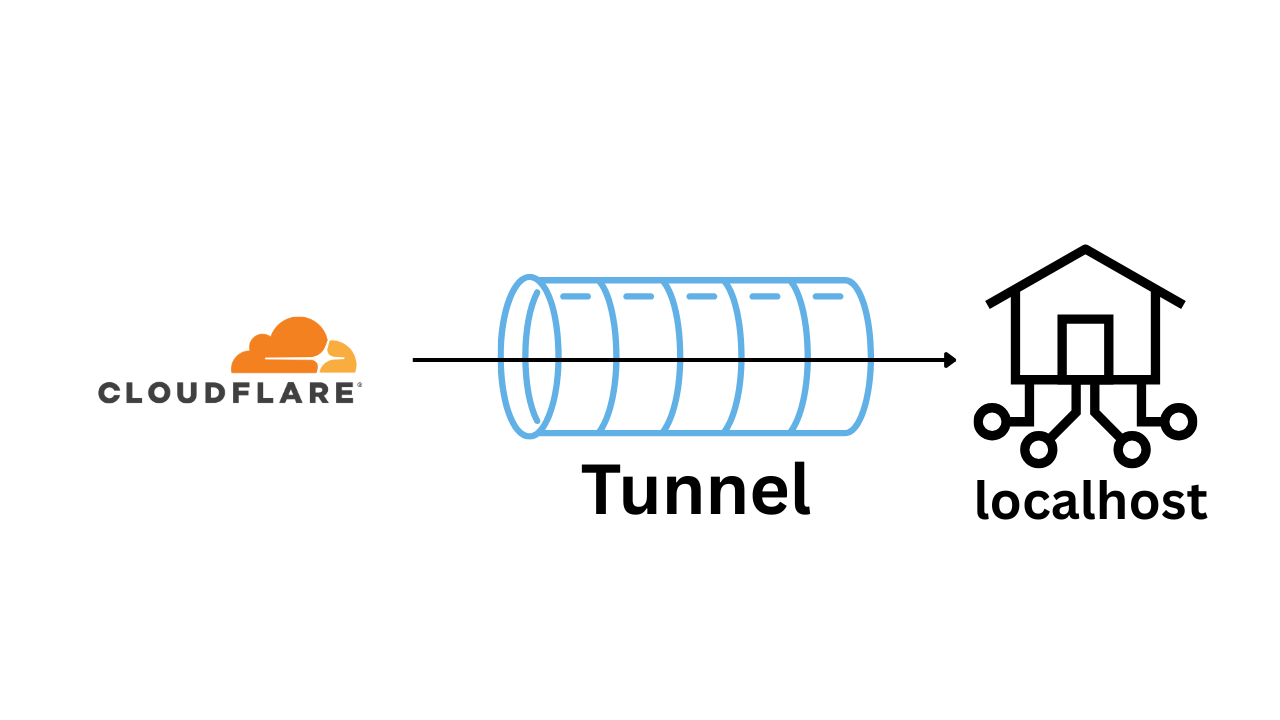
How can you quickly expose your local server to the internet?
There’s ngrok which is as easy as ngrok http 8000 but it has a free tier and the domain changing every time is a hassle.
So I use Cloudflare tunnels. It is free and you can use your own domain.
Add you domain to Cloudflare and then install the cloudflared tool.
Then create a tunnel using the following command:
| |
This will create a credntial file at ~/.cloudflared/<tunnel-id>.json and a tunnel named my-local-tunnel.
Write this config at ~/.cloudflared/config.yml
| |
Adjust it according to your needs.
This will ponit game.lamichhaneaayush.com.np to localhost:8000 and api.lamichhaneaayush.com.np to localhost:8080.
Then run the following commands to create a tunnel and route the DNS.
| |
Finally, run the tunnel.
| |
That’s it! Better than typing wss://e78c-27-34-25-179.ngrok-free.app/ right.